
 EN
EN

Neverness to Everness


Written by
Neverness to Everness is the ultimate urban fantasy gacha RPG. With its advanced exploration, real-time combat mechanics and life sim, it offers a mind-boggling variety of content. So, to avoid burning out your phone's battery and take advantage ofits Unreal Engine 5 graphics, here's how to play NTE on PC and Mac. Here's a full tutorial.
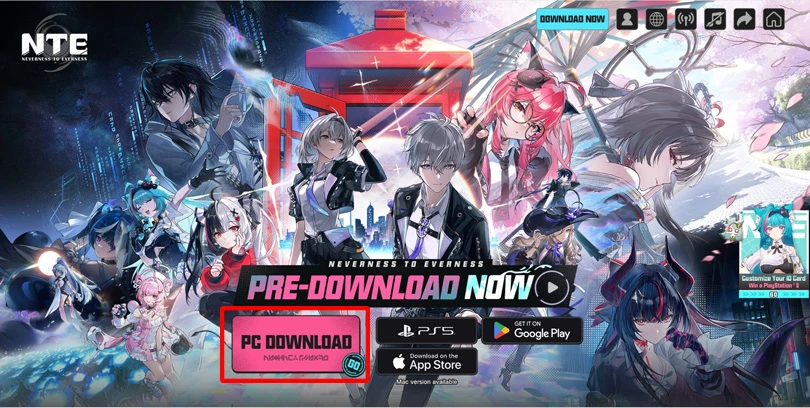
Mobi.gg recommends that you download the game's launcher so that you can play Neverness to Everness on your PC in the best possible conditions! It's very simple:
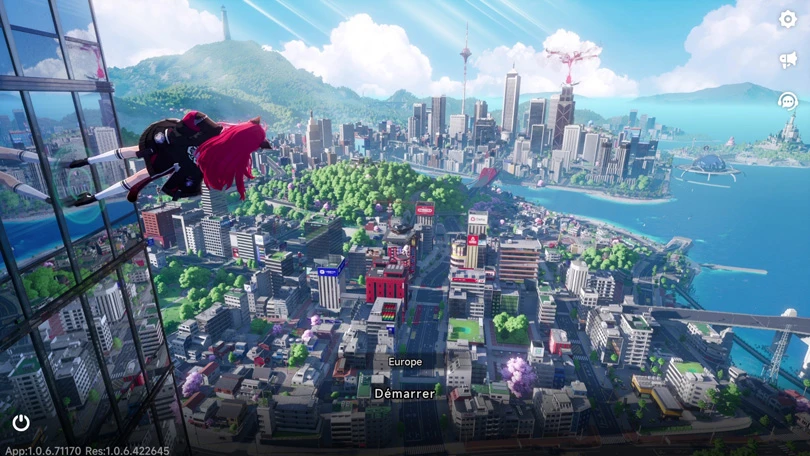
And now you can dive into Hethereau!
⚡ To find out more : we've put together a complete NTE system requirements guide on PC, mobile and PS5!
The other option for playing NTE on your PC? BlueStacks, the Android emulator! Here's how to use it.
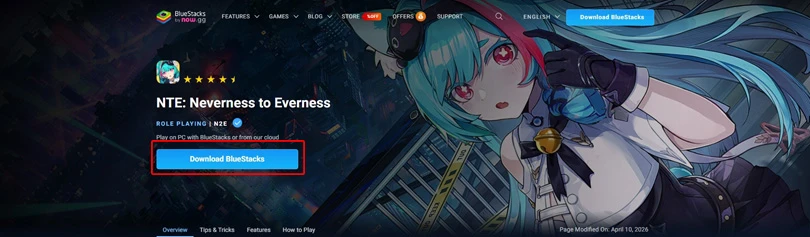
And to make your adventure in Hethereau as comfortable as possible, we've prepared a guide to optimising the performance of BlueStacks!
⚡Optimise your experience : For maximum fluidity, we recommend BlueStacks 5 with an Android 11 (Beta) or Pie 64-bit instance.
Unlike other emulators, BlueStacks offers a solution for playing NTE on an Apple computer. This solution is called BlueStacks Air and will allow you to create an Android environment on macOS.
Here's a step-by-step guide to playing NTE on your Mac:
⚡ Going further: we've put together a selection of the best Android emulators on PC, as well as a top emulators on Mac. Don't hesitate to take a look!
Alternatively, you can simply download Neverness to Everness from the App Store for Mac!

Playing Neverness to Everness on your PC and Mac is a real plus for your comfort!
Now you know how to play Neverness to Everness on your PC or Mac easily and free of charge. It's the ideal way to get the most out of your experience!
A minimum of 60 GB of available space is required to play NTE on a PC.
For the moment, this is not possible. However, we can hope that services such as now.gg or CloudMoon will soon offer this functionality.
Yes, you can recover your Neverness to Everness progress on mobile and PC, as the game is cross-save.
Follow us on our social networks to stay on top of mobile gaming news wherever you are!


Shinku arrived in Neverness to Everness on 8 July 2026. She is the new character from the limited-time banner, and her unique feature is that she fights using a...
Did you love Neverness to Everness and want to find another game that’s just as original and packed with content? You’ve come to the right place! He...
Chaos arrived on 24 June 2026 in Neverness to Everness. He is the new character from the limited-time banner, whose unique feature is that he fights alongside a...
The Neverness to Everness Eternal waltz is one of the many Arcs available. What are its stats and effects? Which characters are best suited to this Arc, an...
Fadia is an enigmatic character in NTE who works for the Bureau of Anomaly Control. She is known for fighting with a huge cross-shaped shield. Here’s a Nevernes...
For the Long Dream quest, you need to meet Lacrimosa at the Neverness to Everness Kyllene Promenade. Mobi.gg shows you, step by step, how to find this location...
Better graphics and performance 🚀
Even more epic battles ⚔️
Save your battery 🔋
Download on PC