

 EN
EN


Heartopia


Written by
In Heartopia, the cosy mobile life simulator, you can decorate your home, garden and lead a peaceful life on your own... or with others! The title has a strong social dimension to enhance immersion. But before you can organise parties at home, you need to understand how the social system works. In this guide, we'll show you how to add and invite friends in Heartopia and get the most out of multiplayer.
Unlike some games, you won't be able to invite friends to Heartopia as soon as you've completed the introductory cinematic. To unlock the social features, you'll need to build your house and learn the basic mechanics.
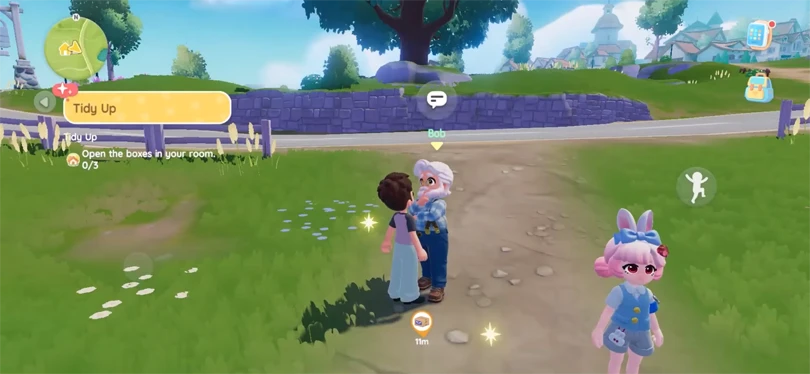
Here are the steps you'll need to complete to unlock the Friendship Journal:
Adding friends to play Heartopia together is really very simple. Here's how to do it:
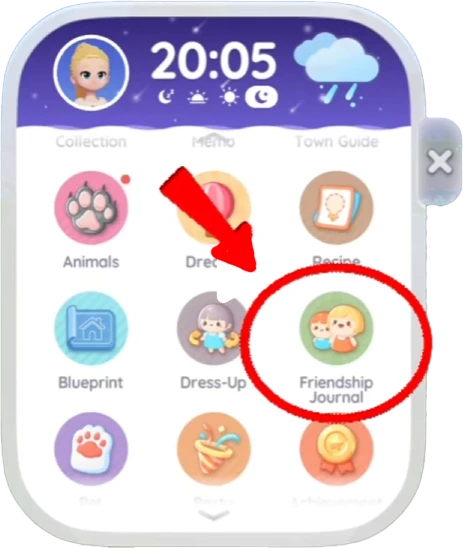
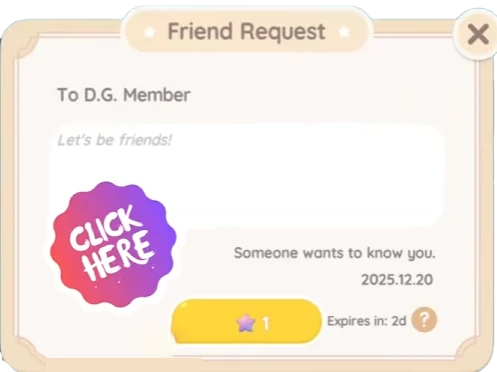
⚡Mobi.gg tip : be careful, inviting friends will cost you a star! If you don't have any, in which case you'll have to complete a few quests to get some.
Joining a friend's game couldn't be easier! Here's how to do it:
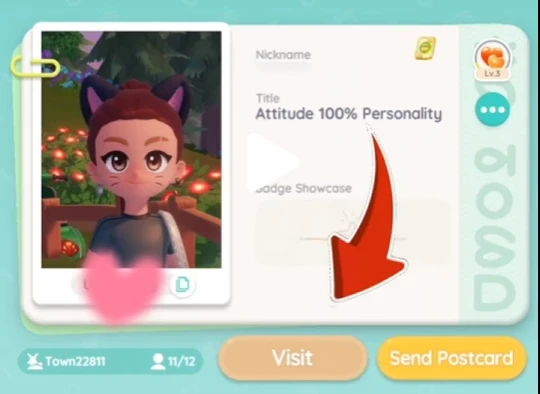
You'll automatically be redirected to your friend's session, and can now play Heartopia together! You won't need to spend any stars to join your friend's session.
Now that you know how to add friends to Heartopia, let's see what activities you can share with your friends! The game is multiplayer-oriented, so there are some features dedicated solely to co-op gameplay.
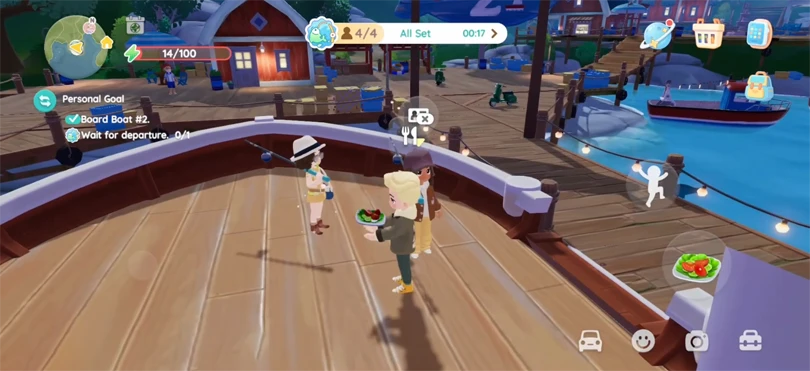
Playing Heartopia with friends is clearly the most fun feature of the game. However, you may encounter certain problems when inviting friends to Heartopia. Let's take a look at the most common problems and how to solve them:
Now you know how to invite friends to Heartopia. It's quick and easy, and can make the game a really fun experience! The game is all about goodwill and community, so don't hesitate to take advantage of its multiplayer.
Follow us on our social networks to stay on top of mobile gaming news wherever you are!


Heartopia offers a highly advanced customisation feature: design patterns to personalise your wardrobe. But how do you unlock it? What tools do you need? Discov...
The Maltese x Heartopia collaboration has begun, and there are lots of surprises in store! Among them, new recipes to learn, each cuter than the next. But how d...
Birdwatching is one of Heartopia's specialities. In this relaxing activity, you'll be on the lookout for all the birds on the map. The european robin is one of...
Completing your collection of fauna in Heartopia is a real challenge. Certain insects only appear in certain places, under certain weather conditions or at cert...
In Heartopia, all the NPCs are important and have things to teach you, or to sell you. Vanya is the fishing mentor, one of the central NPCs in your favourite co...
Spring has sprung in Heartopia! And with it comes a new egg hunt event. But unlike the Winter Frost Season event, all the eggs can already be found. You've only...