

 EN
EN


Star Savior


Written by
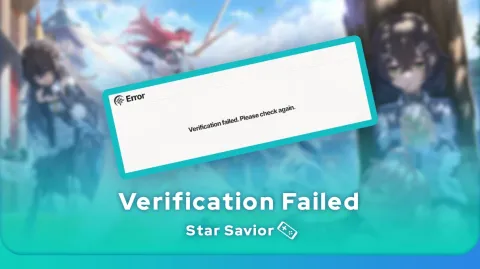
Have you received the message Star Savior Verification Failed, just as you launched the game to farm your daily quests? Don't panic, your account hasn't been banned and you haven't lost your data. In 90% of cases, this message means that the Star Savior servers are undergoing maintenance. The only solution is to be patient.
Have you received the Star Savior Verification Failed error message? Let's take a look at the possible causes!
Developers roll out updates to their games quite frequently. For example, to add a new character or just before launching an event. When this happens, access to the servers is cut off. This is known as Star Savior maintenance.
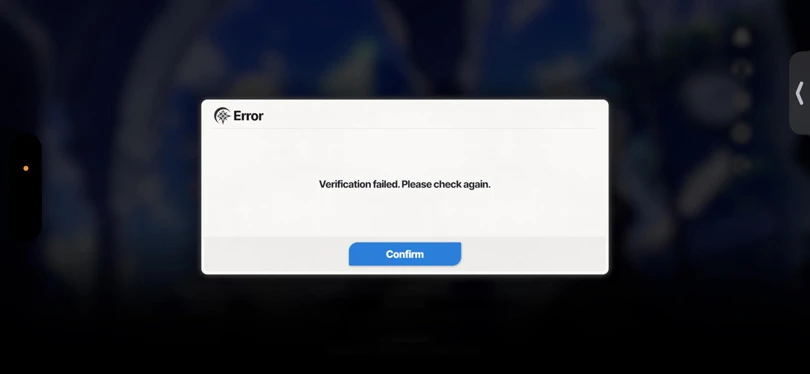
In this case, the game is unable to check the identifiers because the server is not responding. This is when you receive the Star Savior Verification Failed error message.
⚡ To find out more : we've put together a beginner's guide to Star Savior, so take a look at it!
Have you received the error message Star Savior Verification Failed? Here's how to check the status of the game's servers:
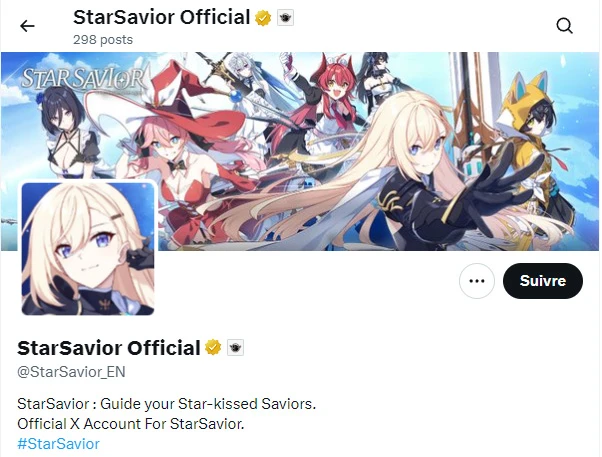
Here's a step-by-step tutorial, should you receive the Star Savior Verification Failed error message :
Patience is often the best weapon against the Star Savior Verification Failed error. So don't worry: you'll be able to get back into the game in a few minutes to a few hours at most! Still looking for more Star Savior guides? We've got just what you need:
Enjoy the game!
Follow us on our social networks to stay on top of mobile gaming news wherever you are!


In this Star Savior Journey guide, we take a look at the best strategies and how a run works. Journey mode is essential for building Stella Archives and progres...
Star Savior Rosaria is one of the best DPS (Ranger SSR of the Chaos attribute) in Star Savior. With her ability to inflict an area defence drop (DEF Down) and h...
In Star Savior, it's essential to choose the right characters and give them the best possible place. It's essential, especially when it comes to PvE and the dif...
Like hundreds of thousands of players, you've fallen for Star Savior on Android or iOS. Here's how to save time and optimise your resources in the first few hou...
Star Savior is a turn-based action RPG where you need to collect the best characters (Saviors) to build an effective team. But getting the game off to a good st...
Are you off on a long journey in Star Savior? You need resources to explore further and further, but also to improve your characters and enjoy your adventure. Y...