



 EN
EN

The Division Resurgence


Written by
How would you like to try out The Division Resurgence with the comfort of a keyboard and mouse ? It couldn't be more comfortable to enjoy Ubisoft's shooter ! In this guide, find out how to play The Division Resurgence on PC and Mac for free and boost your performance!
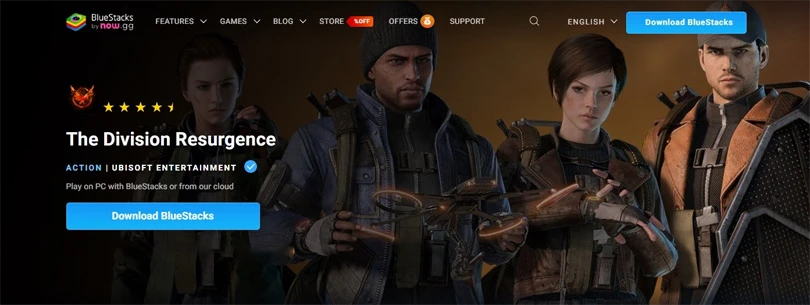
At Mobi.gg, we've chosen BlueStacks as the best Android emulator. That's why we recommend it for playing The Division Resurgence on your PC! Free, reliable and powerful, this tool lets you play Ubisoft's shooter with the keyboard and mouse you need to be more precise.
Here's a step-by-step tutorial for installing and running The Division Resurgence on your Windows computer:
And for an even more enjoyable experience, you can check out our guide to optimising BlueStacks performance. It's essential if you want to enjoy the best possible gaming conditions!
Mac gamers aren't as lucky as PC gamers. Fortunately, Mobi.gg has put together a selection of the best emulators for Mac! To play The Division Resurgence on your computer, we recommend BlueStacks Air.
As you will see, it's very easy to play Gossip Harbor on a Mac:
Now you know how to play The Division Resurgence on PC and Mac for free and easily. Our method is reliable - we've tested it ourselves!
Follow us on our social networks to stay on top of mobile gaming news wherever you are!


To shine in Ubisoft's shooter-looter, you need to select an effective specialisation that suits your style of play. Whether you're playing solo or in co-op, cho...
Unlike previous games in the Tom Clancy licence, in The Division Resurgence specializations are the very kits that define your style of play. So it's vital to c...

It's the end of the suspense for fans of the Tom Clancy licence: Ubisoft has just announced The Division Resurgence release date. The TPS shooter is coming to A...
This Thursday evening, Ubisoft celebrated the universe of one of its flagship licenses with its Division Day Stream on Youtube and on Twitch. During this live s...

Get ready to dive into the Darkzone with The Division Resurgence beta on Android. Let's find out how to sign up for a chance to participate in the next phase of...

The giant Ubisoft has announced the arrival of a newcomer in the world of mobile games. After the success of Tom Clancy's The Division on PC and consoles, here...