




 EN
EN

Written by
Published on

Written by
For some years now, it's unfortunately no longer been possible to play Fortnite on Apple devices, whether on smartphone (except for Europe) or computer. In this article, we give you the solution for getting your hands on your favorite Battle Royale again. It couldn't be simpler: use BlueStacks Air to play Fortnite on Mac!
If you're a Mac gamer, then you'll know that playing Fortnite on your Apple device has not been possible since 2020. Fortunately, BlueStacks has released its native gaming solution for Apple Silicon, BlueStacks Air! Not only will you be able to play Fortnite again, you'll also be able to enjoy an optimal gameplay experience for your favorite mobile games in the best possible conditions!
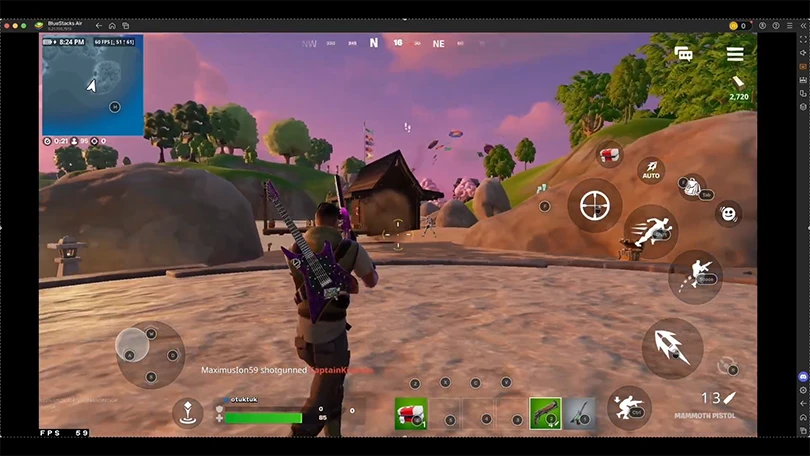
BlueStacks Air has been designed not only for computers equipped with M1, M2, M3 and M4 chips, but also for all the features inherent in Apple computers.
Let's get straight to the heart of the matter. I'm sure you're keen to experience the thrill of Fortnite on Mac OS, so here's how to do it:
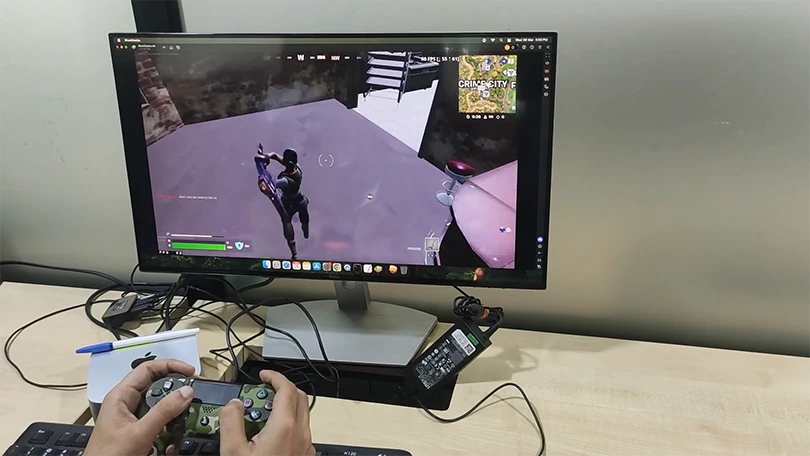
It's quick and easy! The good news is that BlueStacks Air is totally free and offers excellent performance to keep you ultra-competitive. Here's how it works.
As I said earlier, BlueStacks Air has been designed with Mac OS users in mind, offering a native experience. You'll be able to play with the Apple keyboard, mouse and trackpad, as well as the controller (you just need to connect it to your computer for it to be detected by BlueStacks Air).
But that's not all! BlueStacks Air offers support for Retina screens for high-resolution gaming, as well as the Vulkan solution for even more advanced graphics. You'll also enjoy constant 60 FPS, a must for any FPS gamer.
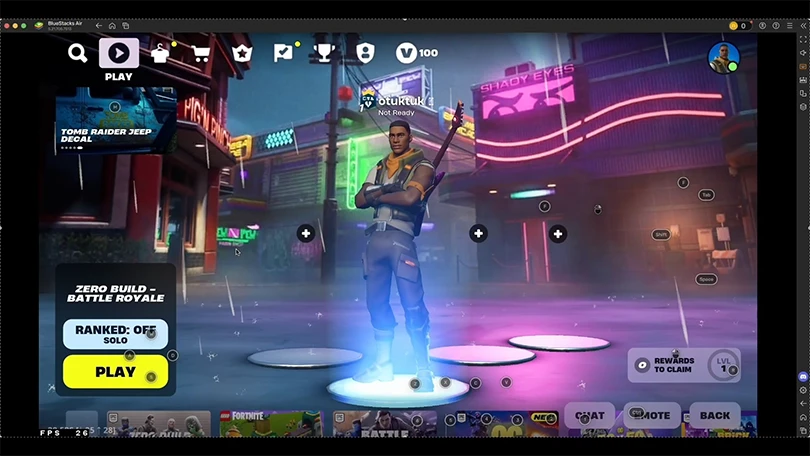
And last but not least, BlueStacks Air for Fortnite also lets you map your keys, depending on your preferences and playing style. Put the odds in your favor to be as precise and responsive as possible!
So what are you waiting for to play Fortnite on the Mac with BlueStacks Air?
Follow us on our social networks to stay on top of mobile gaming news wherever you are!



Need help solving Pedantle #1524 of July 20, 2026? Then you've come to the right place. Here you'll find clues and hints to help you find the Wikipedia page of...

Need help solving Pedantle #1523 of July 19, 2026? Then you've come to the right place. Here you'll find clues and hints to help you find the Wikipedia page of...

Need help solving Pedantle #1522 of July 18, 2026? Then you've come to the right place. Here you'll find clues and hints to help you find the Wikipedia page of...

Need help solving Pedantle #1521 of July 17, 2026? Then you've come to the right place. Here you'll find clues and hints to help you find the Wikipedia page of...

Need help solving Pedantle #1520 of July 16, 2026? Then you've come to the right place. Here you'll find clues and hints to help you find the Wikipedia page of...

Need help solving Pedantle #1519 of July 15, 2026? Then you've come to the right place. Here you'll find clues and hints to help you find the Wikipedia page of...